To enter the TALARIA user environment, click on “Login/Signup”. Type in your email and password, and press on “Login”. You will be redirected to the User dashboard, where you can manage your roles and your libraries.
In “My Library” box, under “My permissions“, you will see your library and your user role. If you are the first person to register the library, you will automatically be assigned the role of Library Manager. By clicking on the “Go” button you will be redirected in you library Workspace.
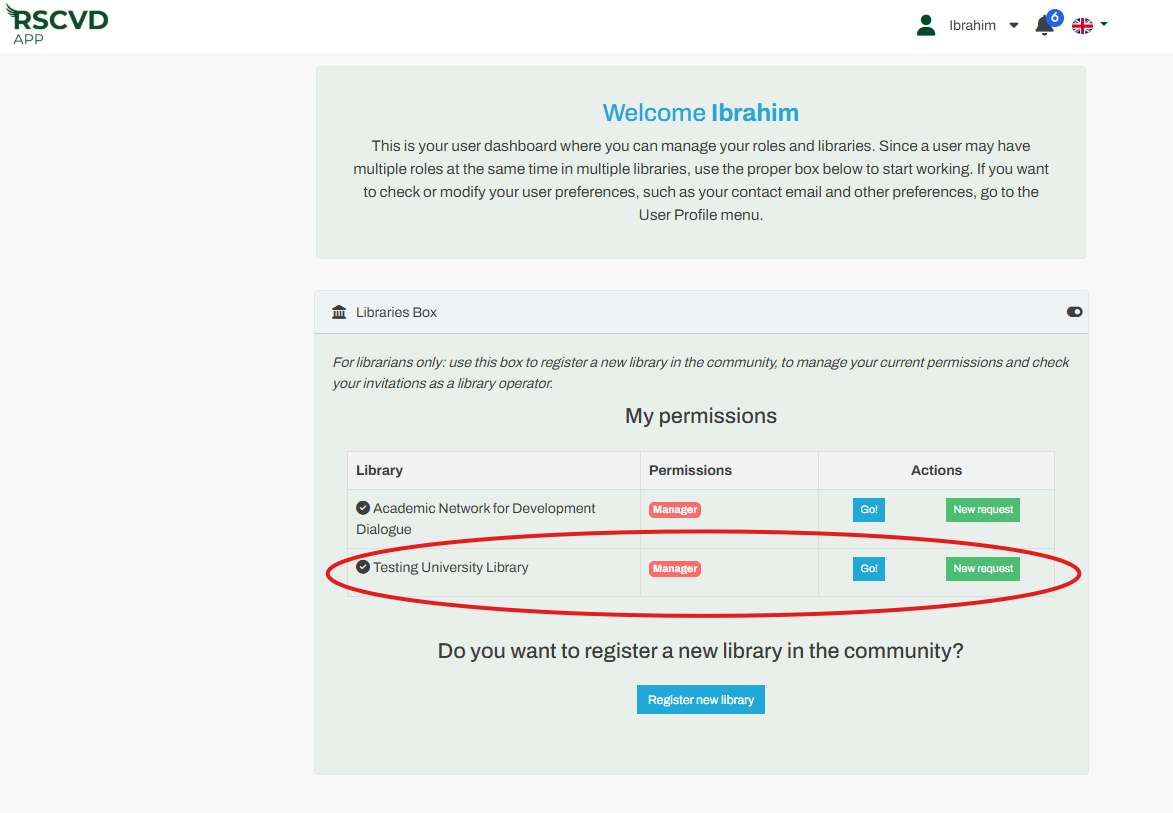
Figure 5: dashboard
The “My library” menu displays only the Status “New” when the library has just been registered and has not yet been enabled by the Community manager.
If you are assigned the role of Library Manager, you will gain full access to all menu functions as soon as your library is activated by the Community Manager.
Menu Tabs:
- “My library” Status will be “Active”
- Borrowing
- Lending
- Statistics
Note: Other library operators will see only the menus associated with their role. For example, the Borrowing operator will see only My library and the Borrowing panel.